Sound Spectrum Analyzer PRO7.8
Publisher Description
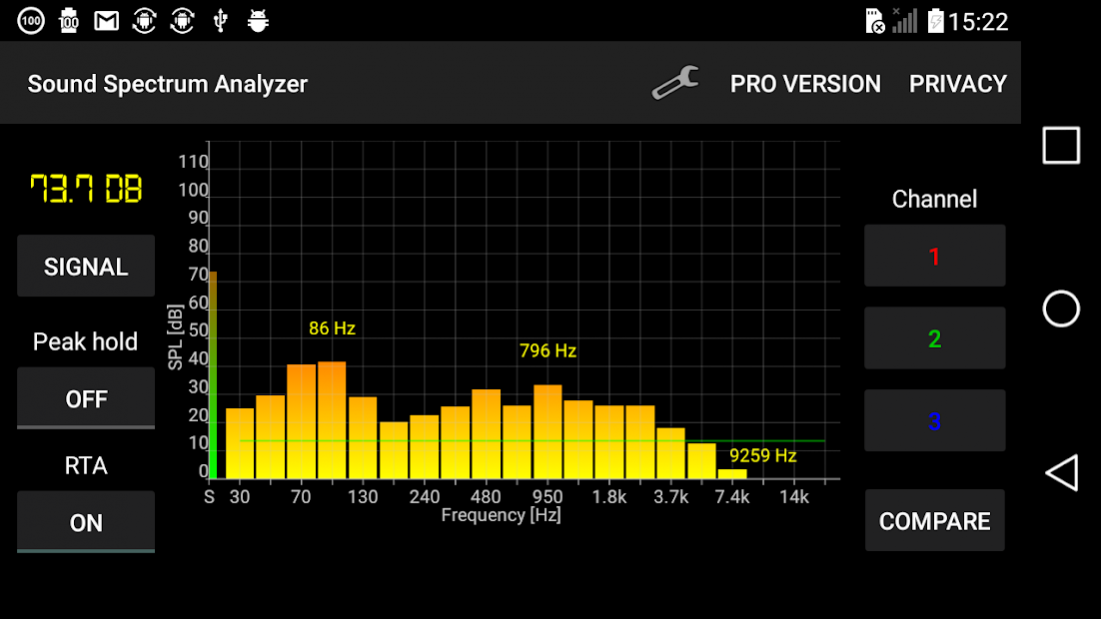
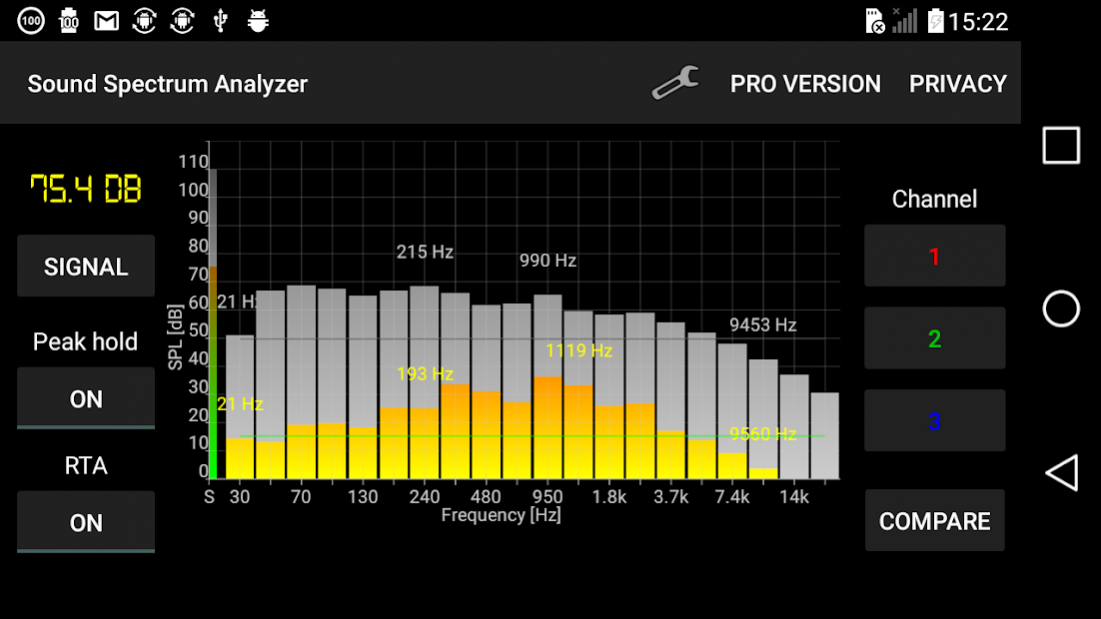
Sound Spectrum Analyzer PRO meters sound noise level (SPL - amplitude in decibel) and detects sound frequency spectrum in real time (RTA) using FFT.
The analyzer is very easy to use and offers a lot of useful features: high RTA refreshing rate and frequency spectrum resolution, adjustable sound noise level (SPL) amplitude scale (up to 150 decibels), RTA peak hold function, flat reference line, local peak frequency...
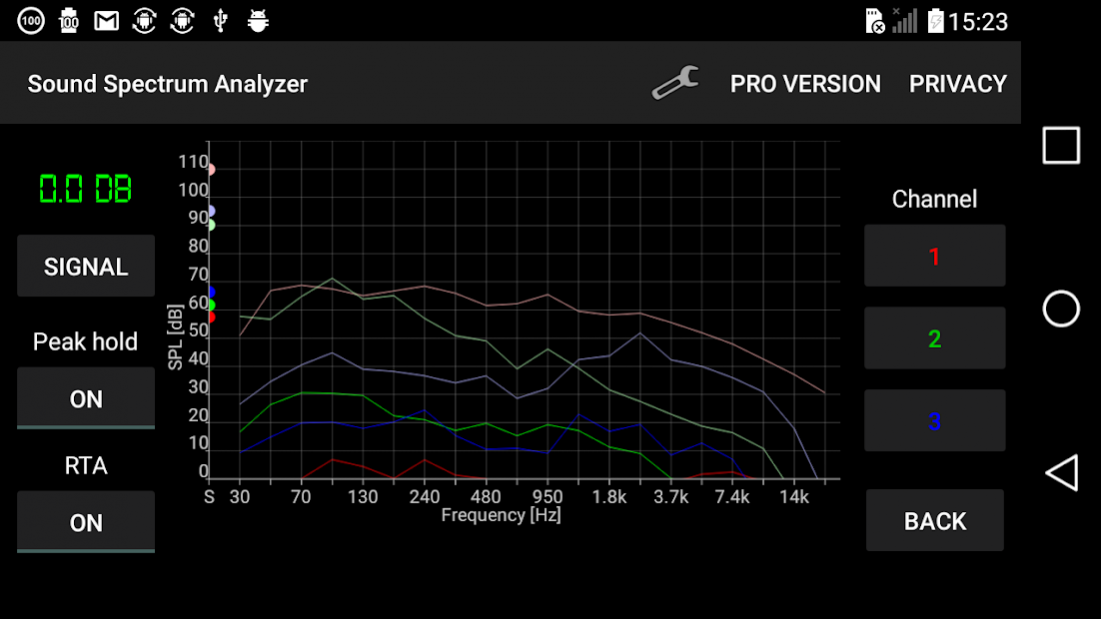
Sound analyzer can detect audio on 3 separate channels. User can later compare noise level (SPL - dB) and frequency spectrum charts between the channels.
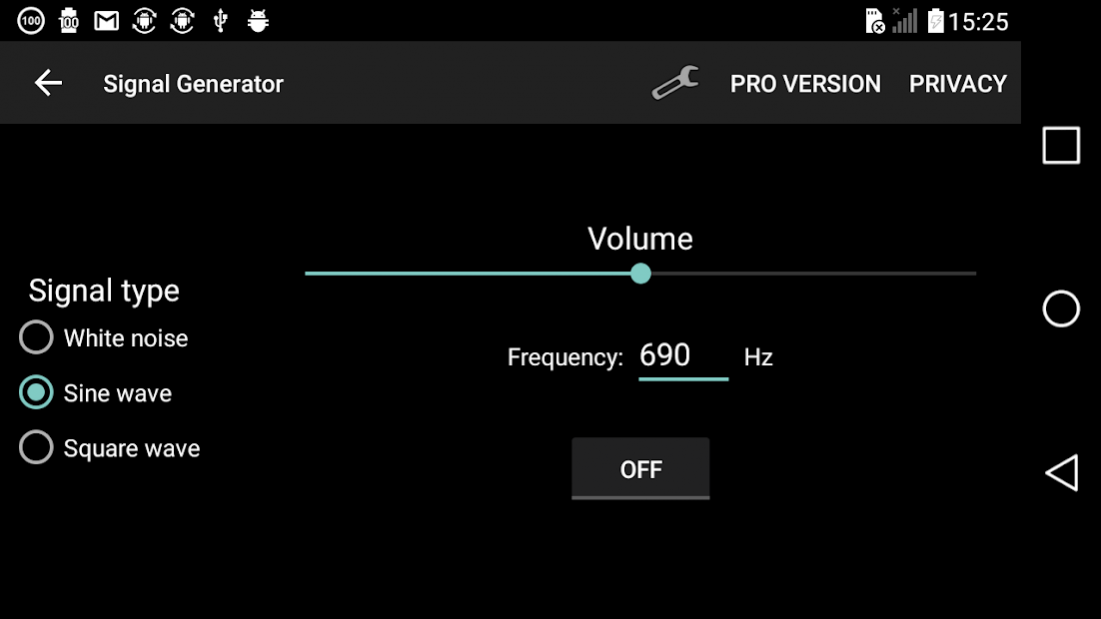
It also includes a frequency generator with noise option, which helps to analyze the frequency response of audio system.
Audio Input/output can be adjusted to Internal, AUX or Bluetooth. However, all I/O options and combinations do not work on all devices.
Sound frequency analyzer can be accurately calibrated for each frequency band separately.
PRO version without ads and ultimate performance.
About Sound Spectrum Analyzer PRO
The company that develops Sound Spectrum Analyzer PRO is PC Mehanik. The latest version released by its developer is 7.8. This app was rated by 1 users of our site and has an average rating of 2.0.
To install Sound Spectrum Analyzer PRO on your Android device, just click the green Continue To App button above to start the installation process. The app is listed on our website since 2020-04-12 and was downloaded 73 times. We have already checked if the download link is safe, however for your own protection we recommend that you scan the downloaded app with your antivirus. Your antivirus may detect the Sound Spectrum Analyzer PRO as malware as malware if the download link to com.pcmehanik.splspectrumanalyzerpro is broken.
How to install Sound Spectrum Analyzer PRO on your Android device:
- Click on the Continue To App button on our website. This will redirect you to Google Play.
- Once the Sound Spectrum Analyzer PRO is shown in the Google Play listing of your Android device, you can start its download and installation. Tap on the Install button located below the search bar and to the right of the app icon.
- A pop-up window with the permissions required by Sound Spectrum Analyzer PRO will be shown. Click on Accept to continue the process.
- Sound Spectrum Analyzer PRO will be downloaded onto your device, displaying a progress. Once the download completes, the installation will start and you'll get a notification after the installation is finished.
Program Details
System requirements
Download information
Pricing
Version History
version 7.8
posted on 2020-04-12
Some bugs fixed
